Compare source and target to find modified data
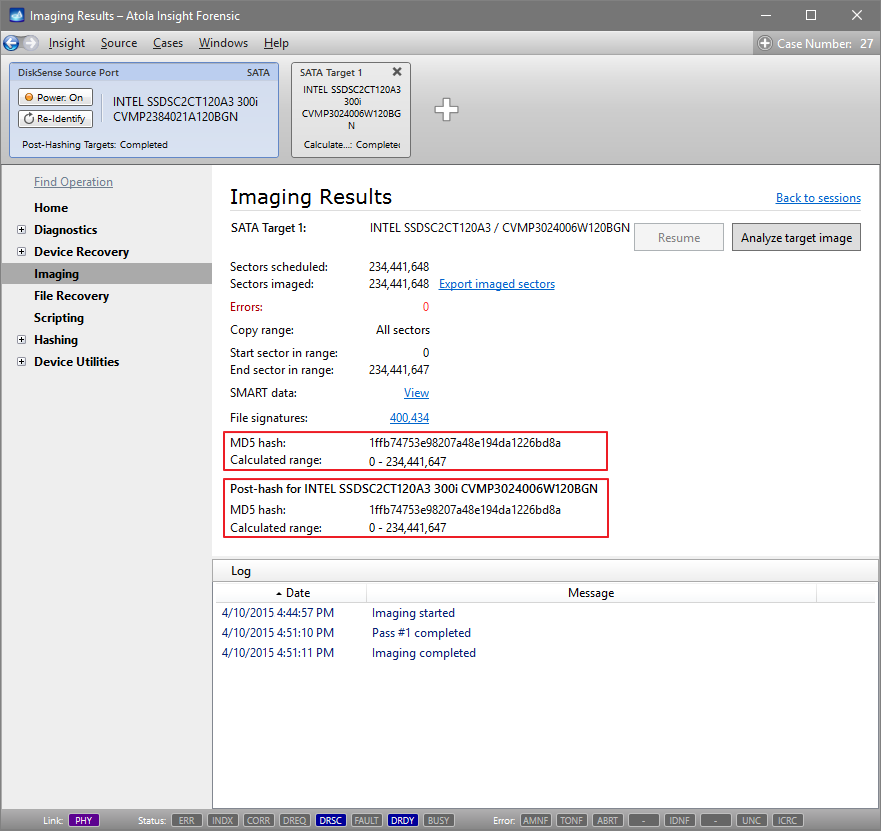
So you have a Source evidence drive and its image on a different device, and you have a record that their hash values were identical in the past.
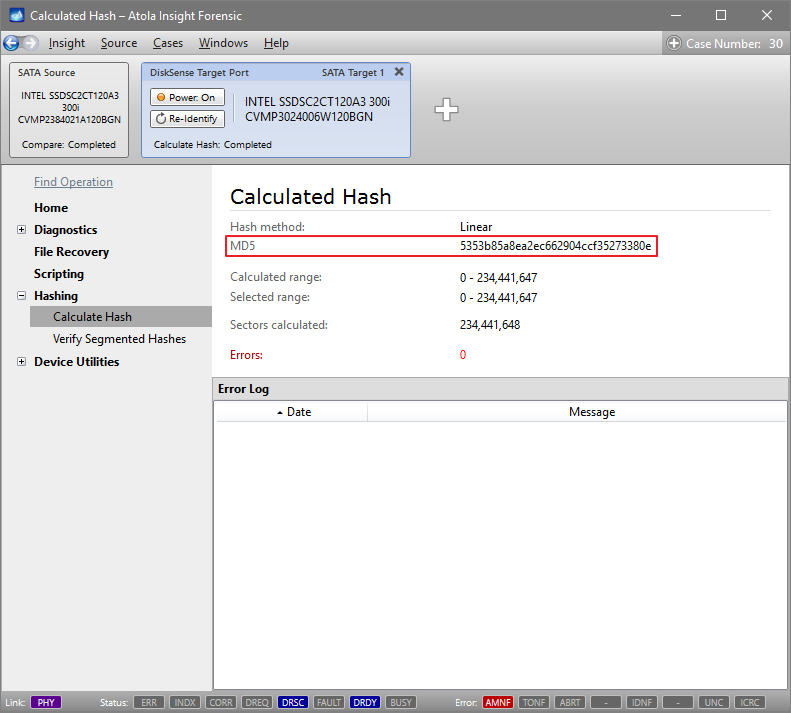
If you get a different hash value when you calculate the hash of the target now, it could be due to hardware failure, or because the device containing your image was used by a third party.
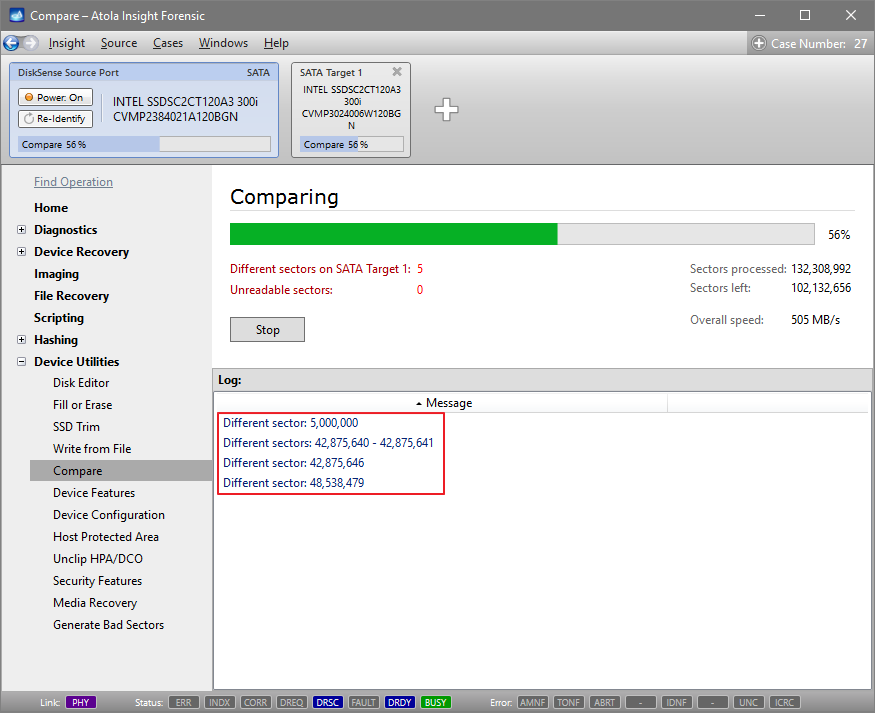
To understand how substantial these changes are, you may want to locate the sectors that have been modified.
- In the sidebar, go to Disk Utilities > Compare.
- Make sure that the whole range of sectors of the drive and the radio button next to the Device on DiskSense Target Port option is selected.
- Click Compare.
Insight's high-performance compare function compares the source and the target and helps you identify and locate the modified sectors: